







How Do RTK Subscriptions Limit Simultaneous Connections?
Most RTK subscriptions tie one login to one active connection at a time. If a second device signs in with the same credentials, the provider typically drops the first session or rejects the new one. This keeps usage fair and lets the network track each rover or machine individually.
Providers usually enforce this in one of three ways:
- Single session per login: a new connection kicks off the previous one.
- Fixed seat counts: a plan covers a set number of devices connected at once.
- Per-device pricing: each receiver, drone, or machine needs its own subscription.
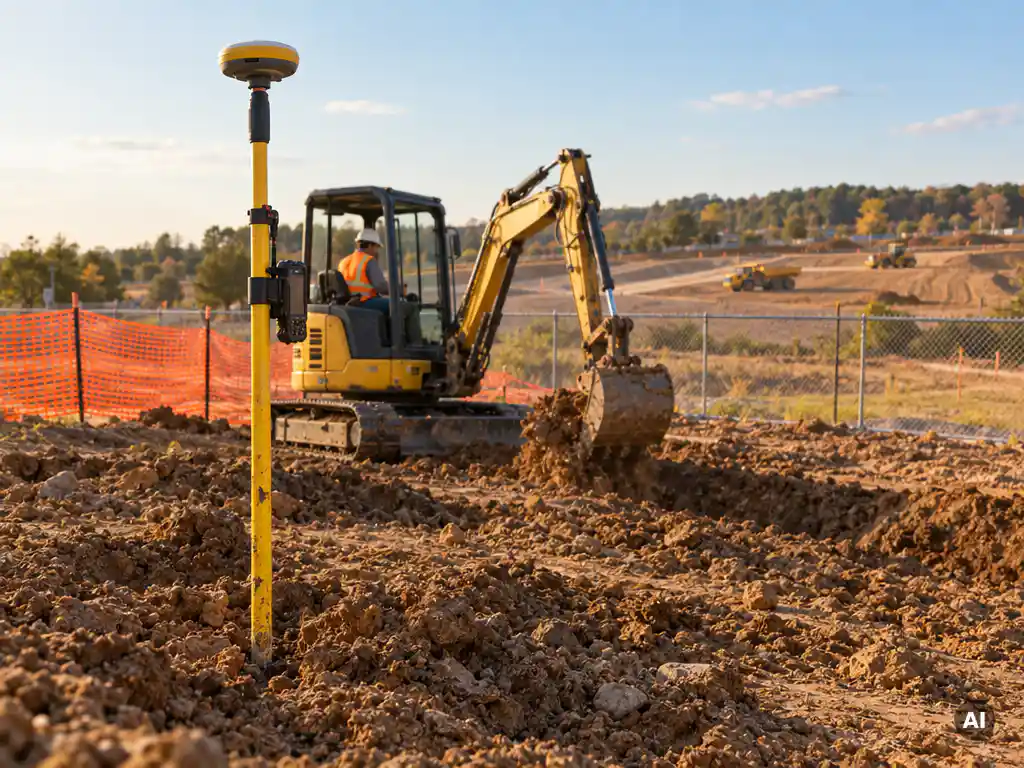
For a small contractor, this matters most when an excavator and a survey rover work at the same time. Check your plan’s terms for the maximum number of concurrent sessions before you plan how to split work between crews.
Can One Login Be Used on Multiple Machines?
One login can be installed on multiple machines, but it can usually only be active on one of them at any moment. Entering the same credentials into several receivers is technically easy. The limit appears when two of them try to connect at the same time, and one gets disconnected.
This setup works well in a few situations:
- A single rover moves between a grading crew and a layout crew during the day.
- A drone flies in the morning and a survey pole is used in the afternoon.
- Machines sit idle on alternating days because of weather or scheduling.
It fails when crews overlap. Dropped corrections mid-pass can push your position from centimeter-level back to meter-level accuracy if nobody is watching the fix status, which can mean rework on grade or staking. Always read the provider’s terms, because some prohibit credential sharing across a company’s devices unless the plan explicitly allows it.
Does RTK Coverage Change From One Job Site to Another?
Yes, RTK coverage can change between job sites because accuracy depends on how close you are to reference stations and how good your cellular signal is. Dense networks in metro areas deliver strong corrections, while remote or rural sites may have weaker coverage, longer baselines, or slower initialization.
Three factors usually decide how well RTK performs at a new location:
- Distance to the nearest base station: accuracy degrades as the baseline grows.
- Cellular data coverage: corrections travel over the internet, so no signal means no RTK.
- Sky view: tree canopy, tall buildings, and deep cuts block satellites regardless of the network.
Before moving a shared subscription to a new site, check the provider’s coverage map and test the connection on arrival. A quick check of your fix status and reported accuracy takes minutes and can save a full day of bad data.
What Are the Cheapest Ways to Share RTK Corrections?
The cheapest way to share RTK corrections is to rotate one subscription between devices that are never used at the same time. If you need simultaneous use, a multi-seat plan or a local base station setup usually costs less than buying a separate subscription for every machine.
Rotate a Single Subscription
If your crews work in sequence, one login covers everyone. Assign a simple check-out routine so only one person connects at a time. This is the lowest-cost option, but it requires discipline and clear communication.
Use a Multi-Device Plan or Your Own Base
When two or more machines work at once, compare the price of extra seats against a dedicated base station on a long-running site. A base broadcasting corrections over radio can serve several rovers locally with no per-device subscription. It needs setup time and a known control point, so it suits larger or longer projects best.
Whichever route you choose, compare the total yearly cost, not just the monthly price, and factor in how often your crews actually overlap.
How Can Contractors Avoid Dropped Connections and Billing Surprises?
Contractors can avoid dropped connections and billing surprises by assigning one device per login at any time, confirming data and device limits in writing, and testing the connection before work begins. Clear rules about who connects, when, and on which machine prevent most problems.
A few habits make a big difference:
- Keep a simple log of which device is using the login on which site and day.
- Disconnect when finished so the next crew can connect without conflicts.
- Review the terms for overage fees, device caps, and rules on shared credentials.
- Check cellular coverage at each new site, and keep a backup data plan or hotspot on hand.
- Set renewal reminders so a lapsed subscription never stops work mid-project.
Transparent pricing matters here. If a plan has hidden per-device or data charges, a busy season can turn into an unexpectedly large invoice.
How RTKsub Helps With Sharing RTK Across Job Sites
At RTKsub, we make it easier to match your RTK access to how your crews actually work. We offer transparent pricing and subscriptions for drones, tractors, excavators, and survey equipment, so you can see what you pay for before you commit. You can request one or several subscriptions through our online portal, and after payment we email your access details within minutes.
- Centimeter-level corrections from the GEODNET network, with 22,000+ base stations in 170+ countries. Check the coverage map for each job site.
- Flexible setup: one RTKsub login works on several devices, one at a time. Add more connections for crews working at the same time, or look at the Enterprise plan from three connections.
- Compatibility with your existing drones, machines, and survey gear.
- People who understand workflows and can help you pick the right number of subscriptions.
- Clear pricing per connection, and a free 30-day trial without a credit card to test on your own sites.
Not sure how many subscriptions your crews really need? Contact us and we will help you find the setup that fits your job sites and budget.
Frequently Asked Questions
How do I know if my RTK plan allows multiple simultaneous connections?
Check your provider’s terms of service or plan details for the maximum number of concurrent sessions. If it isn’t clearly stated, ask the provider in writing before buying so you know whether crews can work at the same time.
What should I do first when moving a shared RTK login to a new job site?
Check the provider’s coverage map and confirm you have cellular signal at the site. On arrival, connect and verify that your receiver shows a fixed RTK status with the expected accuracy before you start staking or grading.
How can I tell if my RTK connection has dropped to lower accuracy?
Watch your receiver or controller for the fix status. A change from ‘RTK Fixed’ to ‘Float’ or ‘Single’ means you’ve lost centimeter-level accuracy, so pause work until the fix returns.
When does it make sense to buy a second subscription instead of sharing one?
If your crews regularly overlap and you’re spending time waiting for the login or redoing work from dropped connections, a second subscription usually pays for itself. Compare the yearly cost of an extra seat against the lost time and rework.