







Is your Leica receiver ready for NTRIP corrections?
A Leica receiver is ready for NTRIP corrections when it has an internet connection (built-in modem, SIM card, or a connected controller or phone) and its firmware supports an NTRIP client. Most modern Leica GS and GG series receivers do, but older models may need a firmware update or an external data link first. Start with the basics:- Internet access: check that a SIM card is active with a data plan, or that the receiver can use the internet connection of your field controller.
- Firmware: update the receiver and the field software (such as Leica Captivate or Zeno Mobile) to the latest version, since NTRIP handling improves between releases.
- RTK license: some Leica receivers need an RTK option activated before they accept real-time corrections. Look in the receiver’s options list to confirm it is switched on.
Which correction formats and GNSS constellations does Leica need?
Leica receivers work best with RTCM 3.x correction messages, and they should track the same GNSS constellations the correction service supports: GPS, GLONASS, Galileo, and BeiDou. A mismatch between what the receiver tracks and what the mountpoint broadcasts is a frequent cause of slow or missing fixes. When you choose a mountpoint, check three things:- Format: pick an RTCM 3.x stream, ideally MSM messages for multi-constellation use.
- Constellations: make sure the receiver has GPS, GLONASS, Galileo, and BeiDou tracking enabled in its settings, so it can use every satellite the correction stream covers.
- Stream type: check whether the mountpoint needs your position. With RTKsub you use mountpoint AUTO and turn on sending your position (GGA), so you connect to the nearest base station.
What connection details are needed to log in?
To log in, you need the NTRIP caster address (host), the port number, a mountpoint name, and your username and password. Enter all five exactly as supplied, because a single wrong character in any field will cause an authentication failure and no corrections will arrive. Here is where each item goes in your Leica’s NTRIP or RTK connection profile:- Host or IP address: the caster server your provider gives you.
- Port: commonly 2101, but always use the value you were given.
- Mountpoint: the specific data stream you want to receive.
- Username and password: your personal access credentials, which are case-sensitive.
Does the RTK service cover your work area?
An RTK service covers your work area when at least one reference station sits close enough to your site, usually within about 30 to 40 kilometers, and the network has good mobile data coverage where you work. Distance from the nearest base station directly affects accuracy and how quickly your Leica fixes. Before you head out, check these points:- Look at the provider’s coverage map and confirm your job site falls inside it, not just near the edge.
- Check mobile signal strength at the location. Rural fields, forests, and valleys often have weak data coverage even when the RTK network reaches them.
- Consider obstructions such as tall buildings, dense trees, or steep terrain that block satellites and lower the chance of a fix.
How do you test accuracy before starting a real job?
Test accuracy by measuring a point with known coordinates, such as a survey control point or benchmark, and comparing your Leica’s reading against the published value. If the difference falls within your job’s tolerance, usually a few centimeters, the setup is ready for real work. A simple routine looks like this:- Connect to the NTRIP service and wait for a fixed RTK solution, not a float.
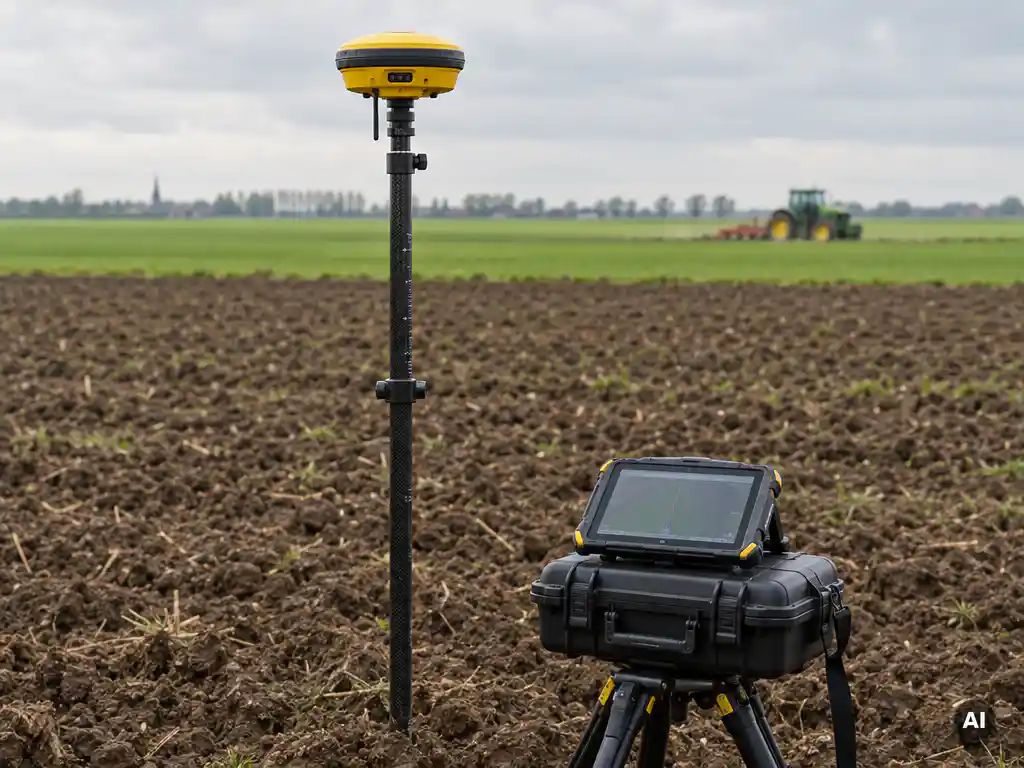
- Set up over the known point with a plumb pole or tripod.
- Record the position, then compare it to the known coordinates.
- Check the reported precision and the number of satellites in use.
- Repeat the check at the end of the day to catch any drift.
What should you do if the Leica will not get a fix?
If your Leica will not get a fix, first check the connection, then the sky view, then the settings. Most problems come from a lost data link, wrong credentials, a poor satellite view, or a mismatch between the receiver and the correction stream. Work through this list in order:- Check the data link: confirm mobile data is active and the NTRIP status shows a live connection.
- Verify login details: re-enter the host, port, mountpoint, username, and password.
- Move to open sky: step away from buildings and trees, and give the receiver a few minutes to settle.
- Review constellation settings: make sure the satellite systems are enabled and match the stream.
- Try another mountpoint: switching to a closer or different stream often solves stubborn float solutions.
- Restart and update: reboot the receiver and install any pending firmware updates.
How RTKsub works with your Leica
We built our service so that your Leica receiver connects quickly and stays accurate. With an RTKsub subscription, you get centimeter-level GNSS corrections from the GEODNET network in 170+ countries, including the United States, along with support from people who understand real field workflows. Here is what you can expect from us:- Fast access: request one or more subscriptions through our online portal, and receive your login details by email within minutes of payment.
- Transparent pricing: one price per connection, see pricing. You can start with a free 30-day trial without a credit card.
- Simple settings: ntrip.rtksub.com, port 2101 and mountpoint AUTO, with sending your position (GGA) turned on.
- Wide coverage: reliable corrections for agriculture, drones, construction, and surveying equipment. Check the coverage map for your site.
- Human support: practical help when you need to connect a Leica or check your settings.
Frequently Asked Questions
How do I get started connecting my Leica receiver to an RTK subscription?
Once you receive your login details, open the NTRIP or RTK connection profile in your Leica field software (Captivate or Zeno Mobile). Enter the host, port, mountpoint, username, and password, then connect and wait for a fixed solution. Finish by checking a known point before starting real work.
Why does my Leica stay on a float solution instead of a fixed one?
A float solution usually points to a weak data link, poor sky view, or a mismatch between your receiver’s constellation settings and the mountpoint. Move to open sky, confirm mobile data is active, and try a closer or different mountpoint. If it still won’t fix, restart the receiver and check for firmware updates.
Can I use the same RTK subscription on more than one Leica receiver?
Usually each receiver needs its own login credentials, since most providers limit one active connection per subscription. If you run several receivers, request one subscription per device. Check your provider’s terms to avoid connection drops caused by simultaneous logins.
Do I need to send my position to the NTRIP server?
It depends on the mountpoint. Many mountpoints need your receiver to send its approximate position (NMEA GGA message). With RTKsub, mountpoint AUTO uses it to pick the nearest base station. Check your provider’s mountpoint description and enable position sending in your Leica’s NTRIP settings if required.