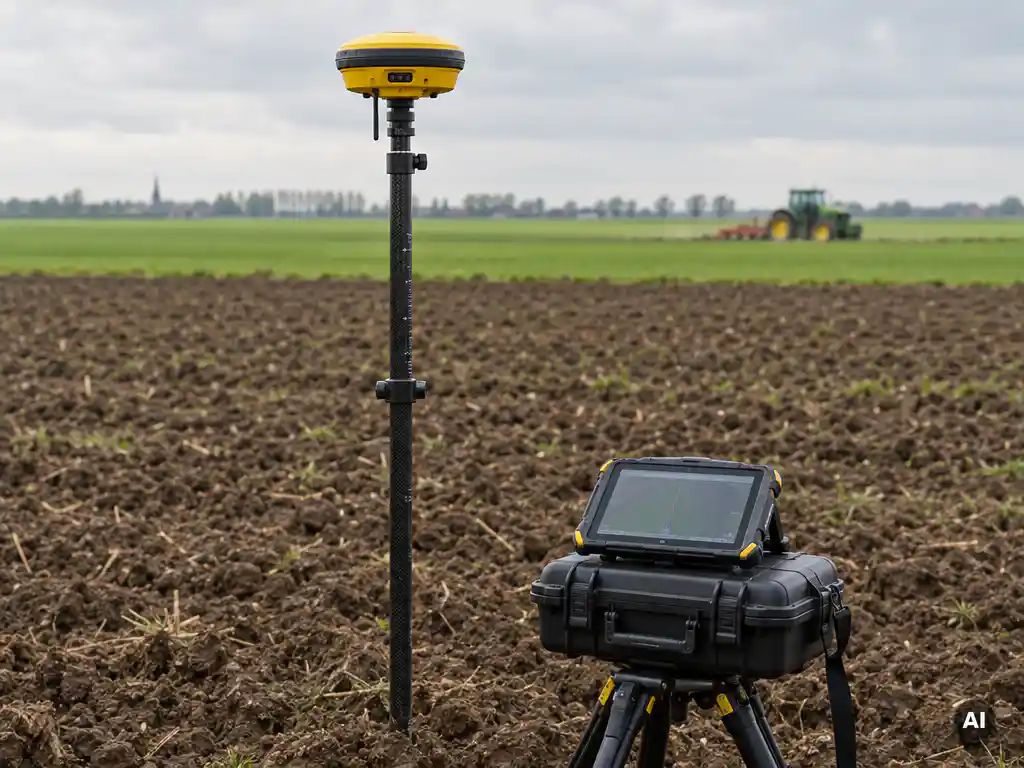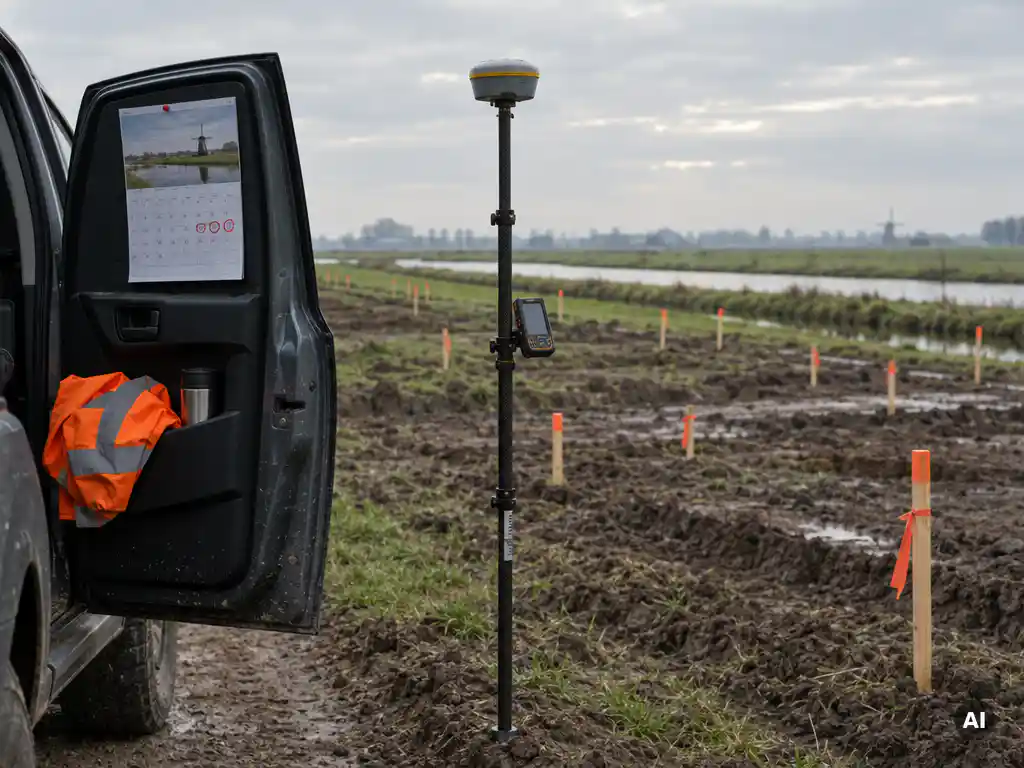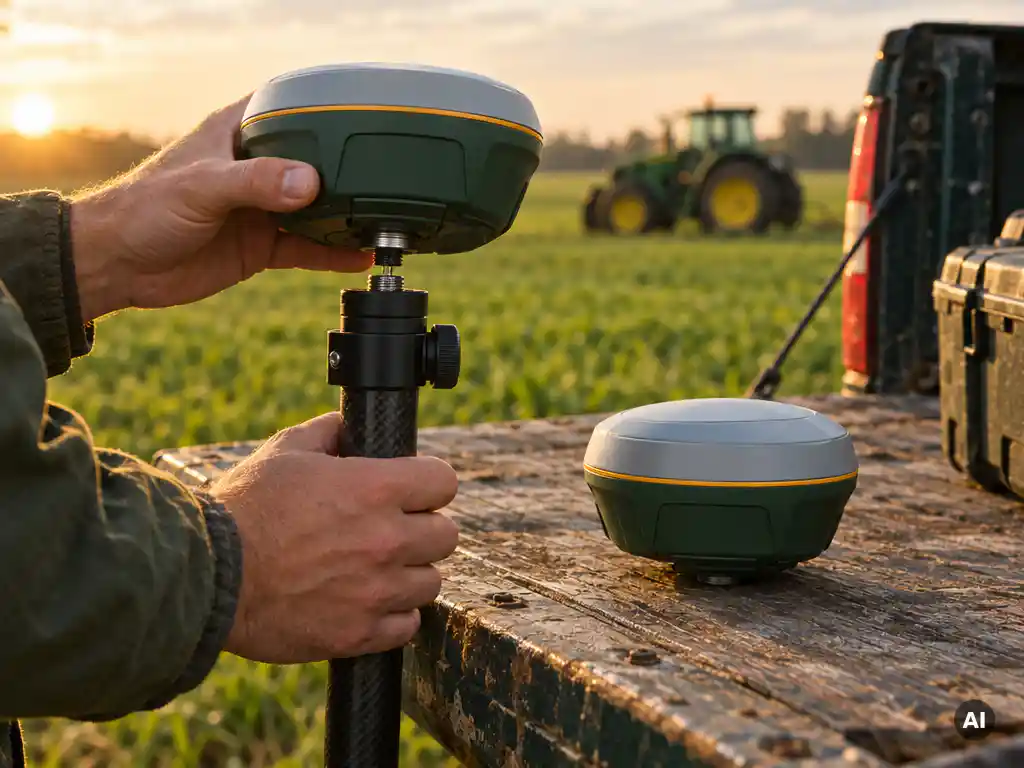









RTK signal loss during field operations means your GPS receiver has dropped its fixed position solution and can no longer calculate centimeter-level accuracy. To troubleshoot it, start by checking your mobile data connection, then verify your NTRIP credentials and caster settings, inspect your antenna placement for obstructions, and confirm the RTK network has coverage in your area. Most signal loss issues are recoverable within minutes once you identify the source. Understanding how RTK technology works gives you a strong foundation for diagnosing problems faster.
Losing your RTK fix mid-operation is costing you more time than the fix itself
When an RTK fix drops mid-task, the immediate instinct is to wait and see if it recovers on its own. That waiting costs you. A tractor that reverts to standard GPS accuracy can drift by half a meter or more, meaning rows overlap, seeding patterns shift, and the precision you paid for disappears. In construction, a dropped fix during machine control can put a grade cut in the wrong place entirely. The real cost is not the few minutes of downtime. It is the rework, the wasted inputs, and the trust you lose in your workflow. The fix is not patience. It is a structured troubleshooting process you can run in under two minutes.
Waiting for signal to return on its own signals a missing troubleshooting process
Most operators who experience repeated RTK signal loss do not have a clear sequence for diagnosing the problem. They restart the device, wait, and hope. Without a structured approach, the same issue reappears the next day or the next job. The difference between a one-time interruption and a persistent problem is almost always a process gap, not a hardware failure. Building a short, repeatable checklist for your team means signal loss becomes a two-minute fix instead of a thirty-minute delay. The sections below walk through exactly that process.
What does RTK signal loss actually mean in the field?
RTK signal loss means your GPS receiver has lost its fixed solution and fallen back to a float or autonomous position mode. In fixed mode, the receiver achieves centimeter-level accuracy by correcting raw GPS data using real-time correction signals from an RTK network. When that correction link breaks, accuracy drops significantly, often to half a meter or worse.
In practical terms, this shows up as a status change on your display. Your device may show “Float,” “DGPS,” or simply lose its position lock. The underlying GPS satellite signal is usually still present. What is missing is the correction data that makes that signal precise enough for professional work.
It is worth distinguishing between a temporary loss, where the fix returns within seconds, and a sustained loss, where the device stays in float mode for minutes or longer. Temporary loss is often caused by brief connectivity interruptions or satellite geometry changes. Sustained loss usually points to a more specific problem worth investigating.
What are the most common causes of RTK signal loss?
The most common causes of RTK signal loss are poor mobile data connectivity, physical obstructions blocking the GNSS antenna, incorrect or expired NTRIP credentials, and being outside the effective range of the correction network. In most field cases, connectivity is the first thing to check.
Here is a breakdown of the typical causes:
- Mobile data dropout: RTK correction data travels over the internet via NTRIP. If your SIM card loses signal or your data plan is exhausted, corrections stop arriving immediately.
- GNSS antenna obstruction: Trees, buildings, vehicles, or even the cab of a tractor can block satellite signals. Fewer visible satellites means weaker geometry and a harder time maintaining a fix.
- NTRIP configuration errors: Wrong mountpoint, expired credentials, or an incorrect caster address will prevent corrections from connecting in the first place.
- Network coverage gaps: Some areas have sparse base station coverage, which means the correction data may not be available at the precision you need.
- Multipath interference: Signals bouncing off reflective surfaces like metal roofs, water, or dense foliage can confuse the receiver and cause it to lose its fix.
Environmental factors like heavy cloud cover or solar activity can also affect satellite availability, though these are less common causes in everyday operations.
How do you diagnose where the RTK signal problem originates?
To diagnose RTK signal loss, work through three layers in order: data connection, NTRIP configuration, and antenna environment. Start with the most likely cause first. Check your mobile signal strength, then verify your NTRIP connection status, then look at your antenna’s physical position and sky view.
A structured diagnosis looks like this:
- Check mobile data signal on the device or connected tablet. Open a browser and try loading a page to confirm the connection is live.
- Open your NTRIP client and verify the connection status. If it shows disconnected, attempt to reconnect manually and watch for error messages.
- Confirm your mountpoint and credentials are correct and have not expired. A simple typo in the caster address is a surprisingly common cause.
- Look at your satellite count and HDOP value if your device shows them. A low satellite count or high HDOP points to an antenna obstruction or poor sky view.
- Check whether the problem is location-specific. If signal loss only happens in one area of the field, the issue is likely a local obstruction or a coverage gap rather than a configuration problem.
Keeping a short log of when and where signal loss occurs helps identify patterns. If it always drops near the same tree line or building, you know to adjust your antenna position before starting work in that zone.
How can you restore an RTK fix quickly during active operations?
To restore an RTK fix quickly, reconnect your NTRIP client, reposition your antenna if obstructions are nearby, and give the receiver 30 to 60 seconds to re-initialize. In most cases, the fix returns within a minute once the correction data stream is re-established.
If a simple reconnect does not work, try switching to a different NTRIP mountpoint if your provider offers multiple options. Some networks have regional mountpoints that may perform better depending on your location.
For antenna-related issues, moving the receiver even a short distance can make a significant difference. If you are working near a large structure, try repositioning so the antenna has a cleaner view of the sky, particularly toward the south, where most satellite coverage is concentrated in the northern hemisphere.
If the issue persists after reconnecting and repositioning, a full restart of the NTRIP client or the receiver itself often clears any software-level lock that may be preventing re-initialization. Avoid restarting the entire machine or tractor unless necessary, as this takes longer and interrupts the whole workflow.
What can you do to prevent RTK signal loss before it happens?
Preventing RTK signal loss starts with preparation: mount your antenna with a clear sky view, verify your mobile data connection before starting work, confirm your NTRIP credentials are active, and plan your route to avoid known obstruction zones. Most signal loss in the field is predictable and avoidable.
Before each job, run through a short pre-operation check:
- Confirm mobile data is active and has sufficient signal at the work site
- Verify your NTRIP client connects and shows a fixed solution before moving
- Check that your antenna is mounted as high as practical and away from metal surfaces that cause multipath
- Review the field or site for trees, buildings, or structures that may cause obstruction along your planned path
- Make sure your subscription or credentials are not close to expiring mid-job
For drone operations, this preparation is especially important. A lost RTK fix during a mapping flight can compromise the entire dataset, requiring a re-flight. Confirming a solid fix on the ground before takeoff takes less than a minute and removes that risk entirely.
If you work regularly in areas with marginal mobile coverage, consider a SIM card from a different carrier as a backup. Coverage maps from mobile providers do not always reflect real-world performance in rural or industrial areas.
When should you contact your RTK provider for support?
Contact your RTK provider when signal loss persists after you have checked your connection, verified your credentials, and ruled out local obstructions. If the problem is consistent in a specific area or across multiple sessions, it likely points to a network coverage issue or a configuration problem the provider needs to investigate.
You should also reach out if you notice a significant drop in fix quality, such as higher-than-expected position errors even when a fix is shown, or if your device consistently takes much longer than usual to acquire a fix. These can indicate issues with the correction data itself rather than your local setup.
When contacting support, have the following ready: your location or coordinates where the issue occurs, the time and duration of the signal loss, your NTRIP client settings and mountpoint name, and your device type and firmware version. This information helps narrow down the cause quickly and avoids back-and-forth troubleshooting.
How RTKsub helps you stay connected in the field
We built RTKsub specifically to reduce the friction that comes with RTK connectivity in professional operations. Whether you are running a fleet of GPS tractors, flying mapping drones, or managing machine control on a construction site, consistent correction data is not optional. Here is what we offer to keep your operations running:
- Wide network coverage from 22,000+ GEODNET base stations in 170+ countries, to minimize gaps in the field
- Centimeter-level RTK corrections delivered in real time via NTRIP, compatible with all major receivers and devices
- Simple, transparent subscription plans without long-term lock-in or complicated pricing structures
- Fast onboarding so you can connect existing equipment without rebuilding your workflow
- Support from people who understand field operations, not just the technology
If you are dealing with recurring signal loss or want to make sure your setup is optimized before the next job, check our subscription options or get in touch with us directly. We are happy to help you find the right configuration for your specific use case.
Frequently Asked Questions
How long should it take to recover an RTK fix after signal loss?
In most cases, an RTK fix should return within 30 to 60 seconds once the correction data stream is re-established. If recovery is taking longer, it usually points to an ongoing connectivity issue or a configuration problem rather than a temporary interruption.
Can I use RTK corrections if my mobile data signal is weak but not fully dropped?
Yes, but a weak data connection can cause intermittent corrections, leading to frequent fix drops rather than a clean loss. If you are in an area with marginal coverage, switching to a backup SIM from a different carrier or reducing other data usage on the device can help stabilize the connection.
Does the type of GNSS receiver affect how quickly it regains a fix?
Yes, receiver quality and firmware version both influence re-initialization speed and fix stability. Higher-end receivers typically handle brief correction outages more gracefully and re-acquire a fix faster, which is worth considering if signal loss is a recurring problem in your operations.
What is the difference between a Float and a Fixed RTK solution, and does it matter for my work?
A Fixed solution means the receiver has resolved carrier phase ambiguities and is delivering centimeter-level accuracy, while a Float solution is an intermediate state with accuracy typically in the range of 0.3 to 1 meter. For precision agriculture, machine control, or drone mapping, working in Float mode is generally not acceptable and the fix should be restored before continuing.