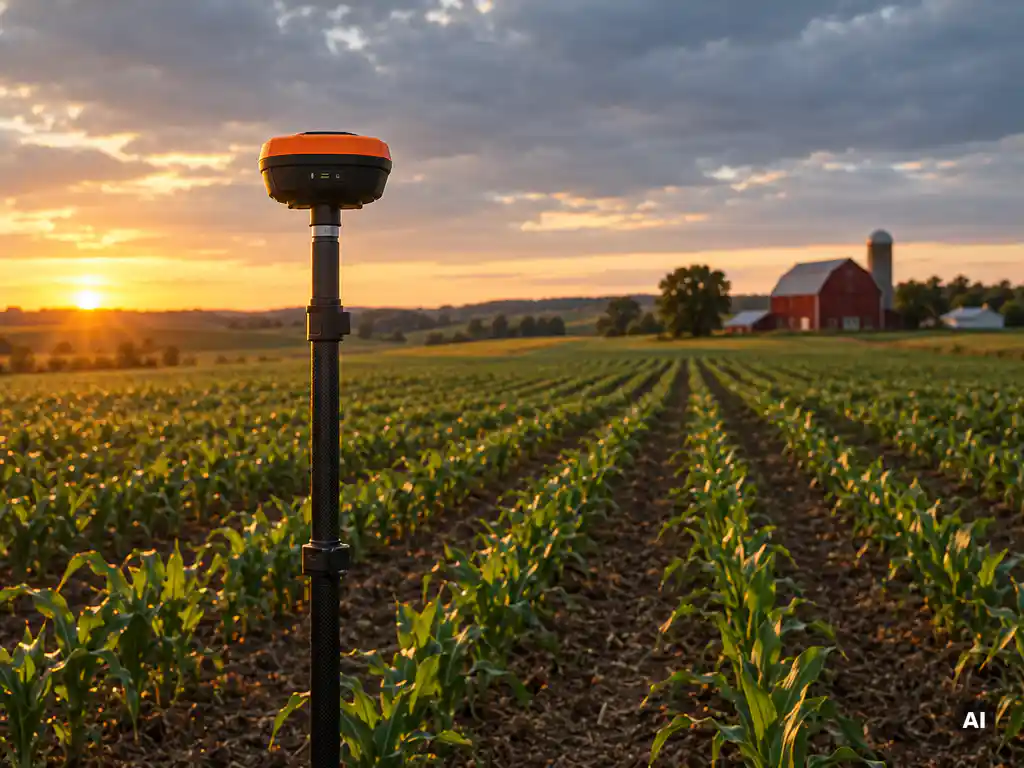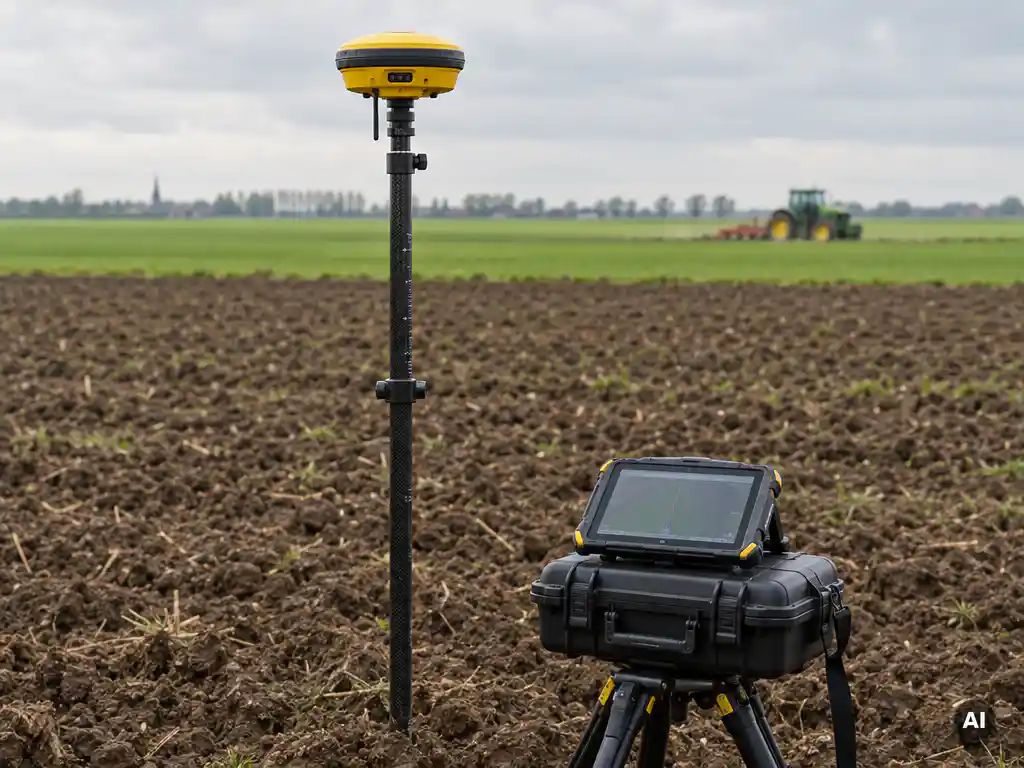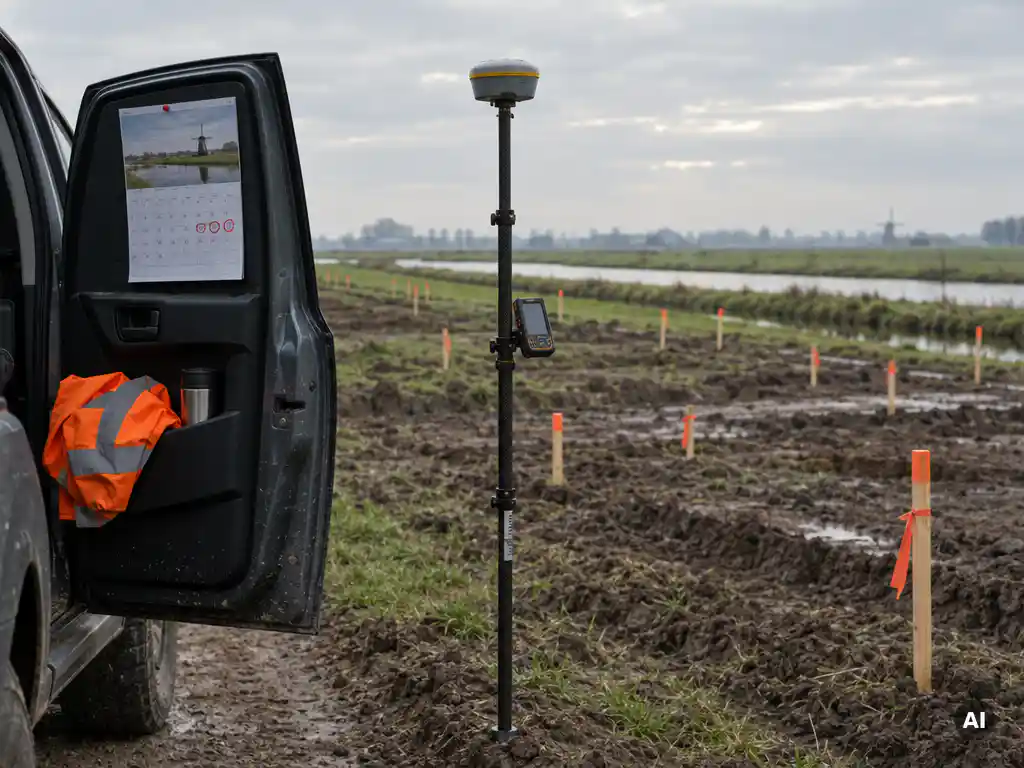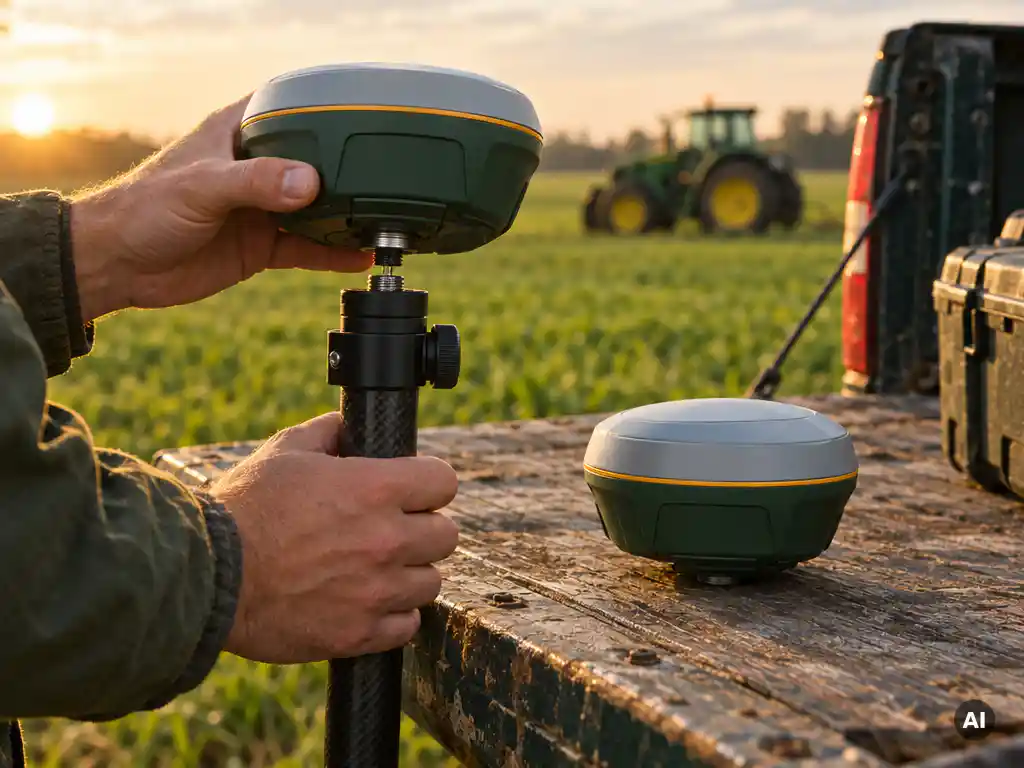








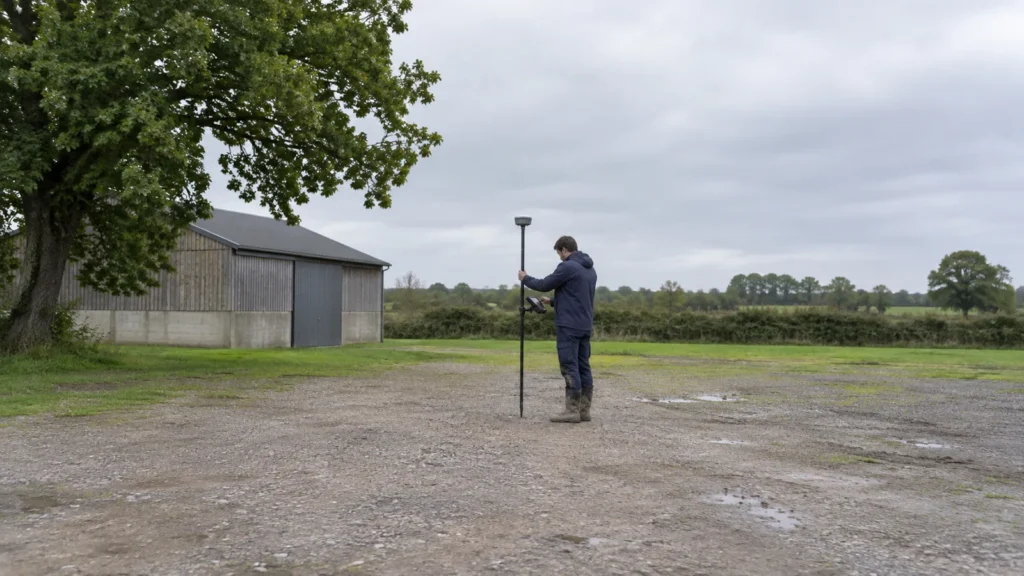
When your receiver takes a long time to get an RTK fix, it is still collecting what it needs: correction data, enough satellites, and enough clean measurements to resolve the carrier-phase ambiguities. With open sky and a stable correction stream, a modern multi-band receiver usually gets there quickly. When it takes minutes, something is slowing it down. Below, we answer the most common questions about slow RTK initialization and how to speed it up.
What happens between connecting and getting an RTK fix?
Between connecting and getting an RTK fix, the receiver acquires satellites, receives correction data from a reference station or network, and then solves the carrier-phase ambiguities. Only once those are resolved with confidence does the status change from float to fixed, giving you centimeter-level positions.
The process runs in clear stages:
- Satellite acquisition: the receiver locks onto GNSS signals and calculates a standard position, usually accurate to a few meters.
- Correction link: the receiver connects to an NTRIP correction stream and starts receiving data from a nearby reference station.
- RTK float: the receiver applies corrections but has not yet pinned down the exact number of carrier wave cycles to each satellite. Accuracy is typically at the decimeter level.
- RTK fixed: ambiguity resolution succeeds, and accuracy improves to about 1 to 2 centimeters under good conditions.
The gap between float and fixed is where most waiting time hides. Float is a good sign that everything works, but the receiver still needs enough clean data to trust its solution. For more background, see what RTK correction is.
What causes a slow RTK fix on a GNSS receiver?
A slow RTK fix is usually caused by poor satellite visibility, weak or noisy signals, a long distance to the reference station, or a receiver that struggles to validate its solution. Most delays come from the field environment rather than faulty hardware.
The most common culprits include:
- Obstructions: trees, buildings, barns, and metal structures block or reflect signals. Multipath makes ambiguity resolution much harder.
- Few satellites or poor geometry: the more satellites and constellations the receiver tracks, the faster it can confirm a fixed solution.
- Long baseline: the farther you are from the reference station, the more atmospheric differences affect the corrections, which lengthens initialization time.
- Atmospheric activity: ionospheric disturbances can stretch the time to first fix, especially during high solar activity.
- Antenna quality and placement: a small or poorly positioned antenna delivers noisier measurements.
- Limited constellations enabled: a receiver using only GPS will generally fix slower than one using GPS, Galileo, GLONASS, and BeiDou together.
If your receiver is slow to fix only in certain places, the environment is almost always the cause.
Can correction data delays or NTRIP settings slow down the fix?
Yes. Late, interrupted, or incorrectly configured correction data can delay or prevent an RTK fix. The receiver needs a steady NTRIP correction stream with low latency, and any gap in that stream forces it to wait or drop back to float.
Several correction and configuration issues are worth checking:
- Weak mobile data connection: poor coverage causes packet loss and delays, so corrections arrive too old to be useful.
- Wrong mountpoint: a mountpoint that is far away, or that does not match the constellations your receiver supports, reduces performance. See how a mountpoint works.
- Incorrect message format: RTCM message types must match what your receiver can decode.
- Missing position output to the caster: network RTK services often need your approximate position (a GGA sentence) so they can send corrections for your location. If this is not enabled, the fix may not come at all.
- Wrong baud rate or port settings: when corrections pass through a modem, controller, or serial link, a mismatch can silently drop data.
- Old firmware: outdated receiver firmware may handle newer correction formats less efficiently.
A quick test is to check the correction age in your receiver’s status screen. A healthy stream keeps it low and steady. If it keeps climbing, jumps around, or shows as missing, the data link is part of your problem.
How can you get an RTK fix faster in the field?
To get an RTK fix faster, start in open sky, enable all available constellations, confirm a stable correction stream, and give the receiver a moment to settle before you start working. Small habits at startup often cut waiting time significantly.
Practical steps that help:
- Power up early: switch on the receiver before you need it, ideally in an open area, so it can download satellite data and settle.
- Park away from obstructions: keep a few meters clear of buildings, hedges, and tall machinery while initializing.
- Enable multiple constellations and frequencies: multi-band, multi-constellation tracking is one of the biggest improvements you can make to fix time.
- Check your connection: make sure your SIM or mobile hotspot has a solid signal before you rely on it. See also RTK in areas with poor cellular coverage.
- Choose the right mountpoint: pick the nearest one, or use a mountpoint that selects a nearby station for you based on your position.
- Mount the antenna well: use a good-quality antenna with a clear view of the sky and, for vehicles, a stable ground plane.
- Keep firmware updated: manufacturers regularly improve initialization performance.
If you lose the fix when moving under trees or past buildings, expect a short re-initialization period afterward. Returning to open sky usually restores it quickly.
When is a long RTK fix time a sign of a bigger problem?
A long fix time signals a bigger problem when the receiver stays in float for several minutes under open sky, fails to fix at all, or repeatedly loses its fix without obvious obstructions. At that point, check hardware, settings, and your correction source rather than waiting longer.
Warning signs include:
- Float status persists for more than a few minutes in a clear, open location.
- The fix works for a short time and then drops again and again.
- Satellite count is low even with no visible obstructions.
- Correction age is high or the correction status shows as missing.
- Other receivers nearby fix quickly while yours does not.
In these cases, test with a different antenna cable, inspect connectors for damage, and, if you can, try a second receiver in the same spot. If the second receiver fixes quickly, the fault likely sits with your first unit or its configuration. If both struggle, look at the correction service, the mobile connection, or local interference sources such as radio transmitters.
How RTKsub helps you get a reliable RTK fix
RTKsub delivers RTK corrections from the GEODNET network, which has more than 22,000 base stations in over 170 countries. You connect your drone, tractor, machine or survey rover over NTRIP with one login, without setting up or maintaining your own base station.
Here is what you get:
- GEODNET coverage with one subscription; check your work area on the coverage map
- Centimeter-level accuracy: under good conditions, RTK typically reaches 1 to 2 cm
- The AUTO mountpoint, so you do not need to look up local stations
- Monthly and annual plans, see our RTK subscription pricing
- A free trial, so you can test coverage in your own work area first
Want to know whether RTKsub works in your work area? Check the coverage map, start a free trial or get in touch.
Frequently Asked Questions
How long should I wait for an RTK fix before troubleshooting?
With open sky and a stable correction stream, a modern multi-band receiver usually fixes quickly. If it stays in float for more than a few minutes, stop waiting and check the correction age, the satellite count, and your NTRIP settings.
What is the first thing I should check if my receiver stays in RTK float?
Start with the correction age in your receiver’s status screen. If it keeps climbing or shows as missing, the problem is likely your mobile connection, mountpoint, or NTRIP settings rather than the receiver itself. Also check that the receiver sends its position (GGA) to the caster.
Does using multiple constellations really make a difference?
Yes. Enabling GPS, Galileo, GLONASS, and BeiDou together gives the receiver more satellites to work with, which helps it confirm a fixed solution faster and keep it more reliably. Check your receiver settings to make sure all available constellations and frequencies are turned on.
Will I need to wait again if I lose the fix under trees or near buildings?
Usually only briefly. After losing the fix, the receiver needs a short re-initialization period, and moving back into open sky typically restores a fixed solution quickly.